The feed
Open-market buys and sales as they're filed, with value, role and filing time. Filter by buys, sales, $1M+, cluster buys and CEO or CFO trades.
 Insider Stock Trader
SEC Form 4, decoded
When a CEO buys their own company's stock with their own money, the world finds out on SEC Form 4. Insider Stock Trader reads every filing the moment it lands and turns it into a clear feed and fast alerts.
An information app, not a broker. Not investment advice.
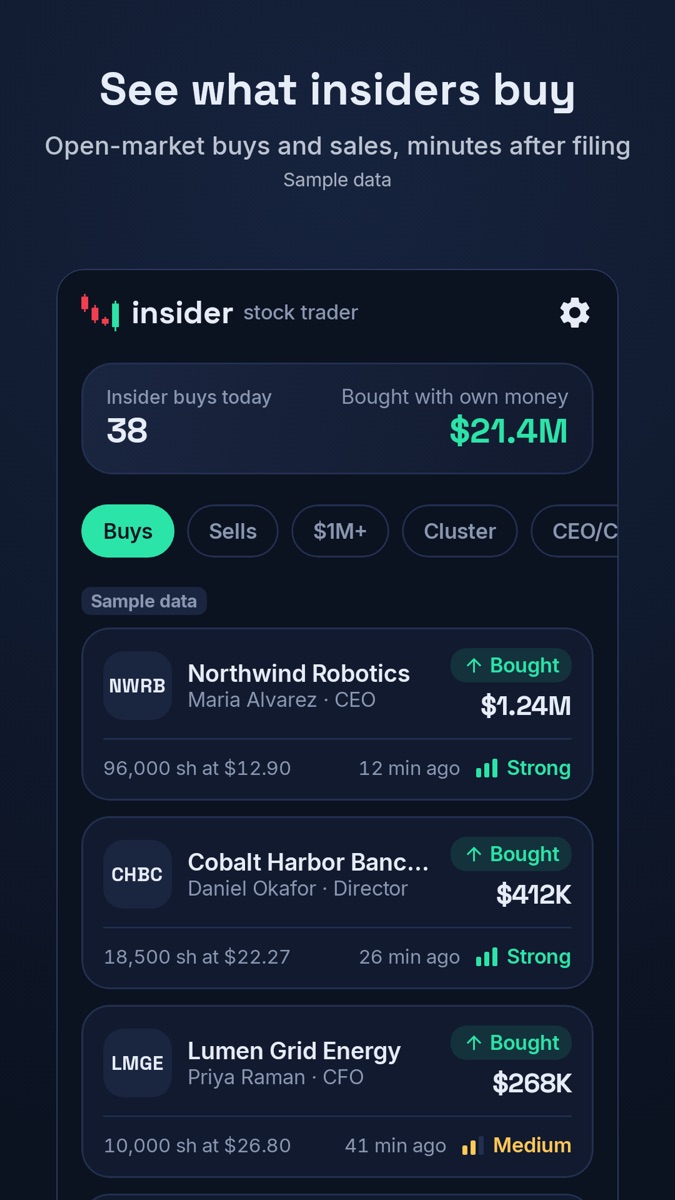
Open-market buys and sales as they're filed, with value, role and filing time. Filter by buys, sales, $1M+, cluster buys and CEO or CFO trades.
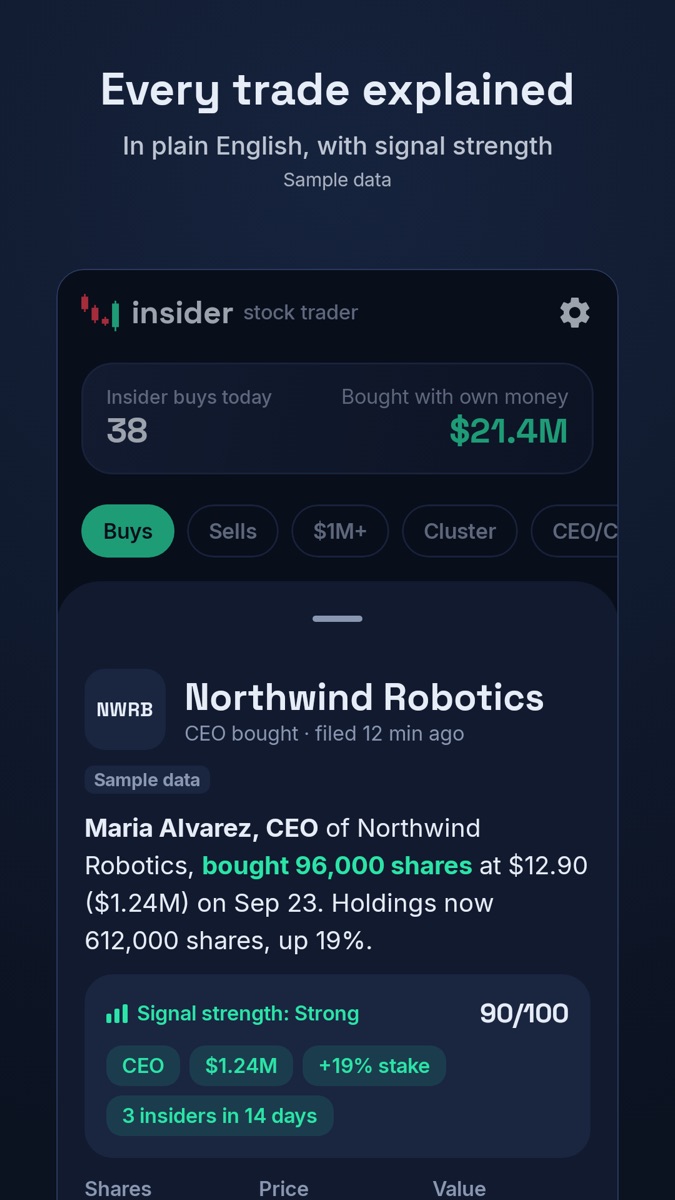
Each trade in one sentence: who, how much, at what price, and what they hold afterwards, linked to the original filing on SEC.gov.
A simple score for open-market buys: the insider's role, the size of the buy, the change in their stake, and whether other insiders are buying too.
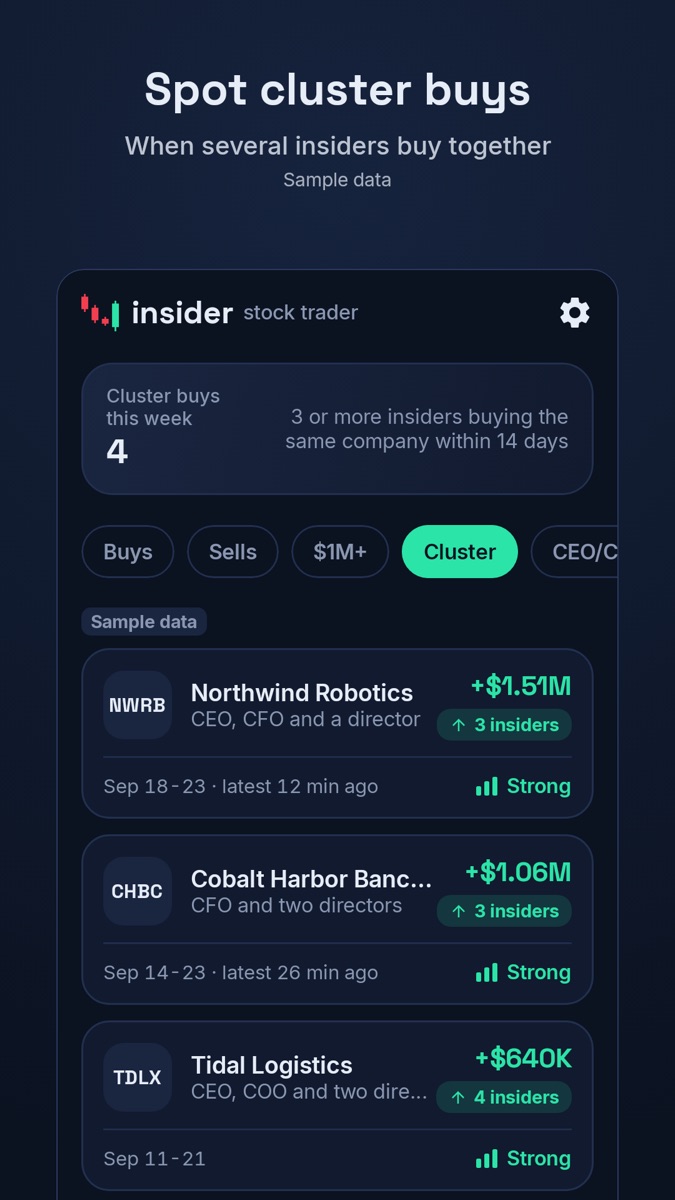
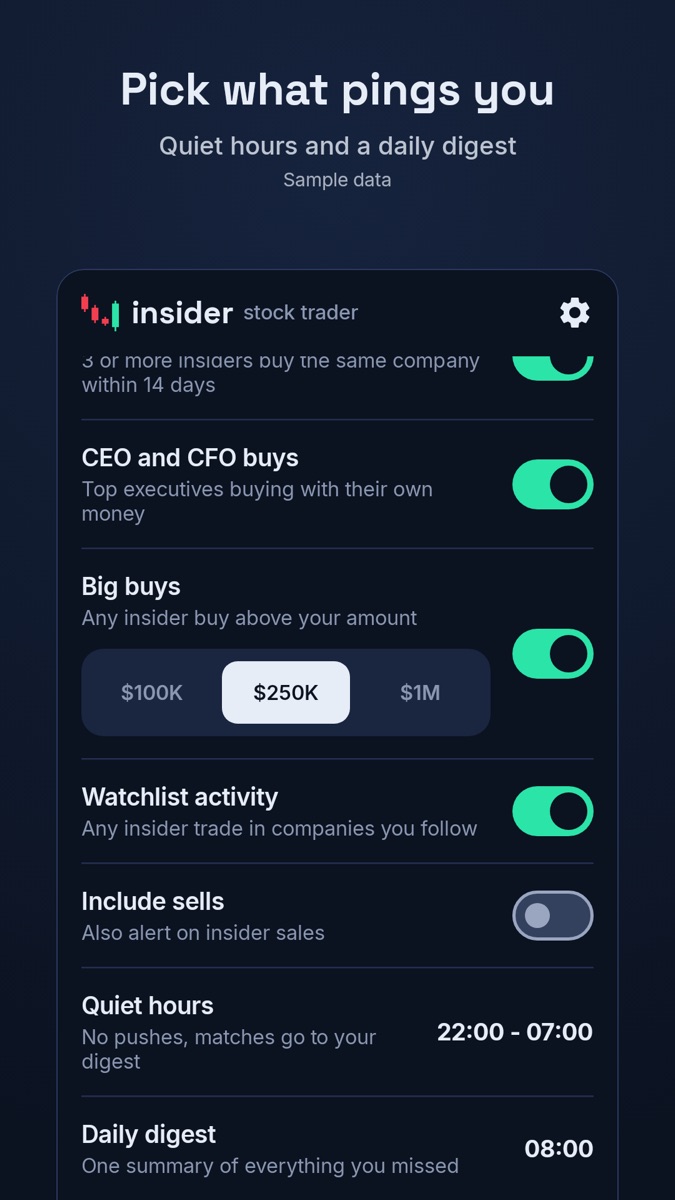
CEO and CFO buys, cluster buys, large buys and your watchlist, with quiet hours and a daily digest.
Yes. Officers, directors and 10% owners may trade their company's stock, but must report each trade on SEC Form 4. These filings are public records.
Directly from the SEC's EDGAR system. We don't buy or resell third-party data, and every trade links to its original filing. See the Transparency page.
No. Insider Stock Trader is an information app: no brokerage, no order routing, no investment advice.
A yearly or monthly subscription through Google Play. The price is shown in Google Play before you subscribe, and you can cancel anytime there.
In the app under Settings → Delete account, or by email. Step-by-step guidance is on the account deletion page.